Buying with delivery by the seller
Buying a product with delivery by the seller on Troc Vélo
Delivery by the seller lets you buy a product remotely in complete safety. The seller chooses their own carrier, packs the parcel and ships it to you. Your funds are held by our payment provider Stripe throughout transit: you only confirm payment after you have received and checked the product.
💡 Good to know: A genuine seller has no reason to refuse secure payment. If they offer to be paid outside the platform, be vigilant.
Prerequisites
To buy using delivery by the seller, the listing must have been activated with:
- Troc Vélo secure payment
- delivery by the seller
You can recognise these listings by the “Buy and the “delivery” label” button on the product page, and by the delivery costs shown.
The steps of a purchase with delivery by the seller
Step 1 — Make a purchase offer
Go to the listing that interests you and click the “Buy” button.
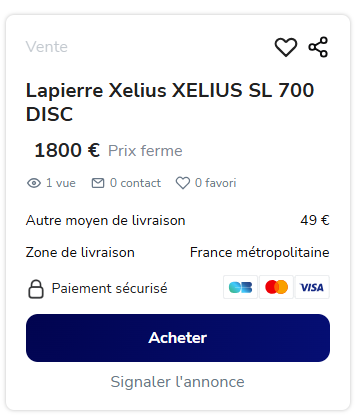
Select “Delivery by the seller”. The delivery costs entered by the seller are automatically added to your basket.!
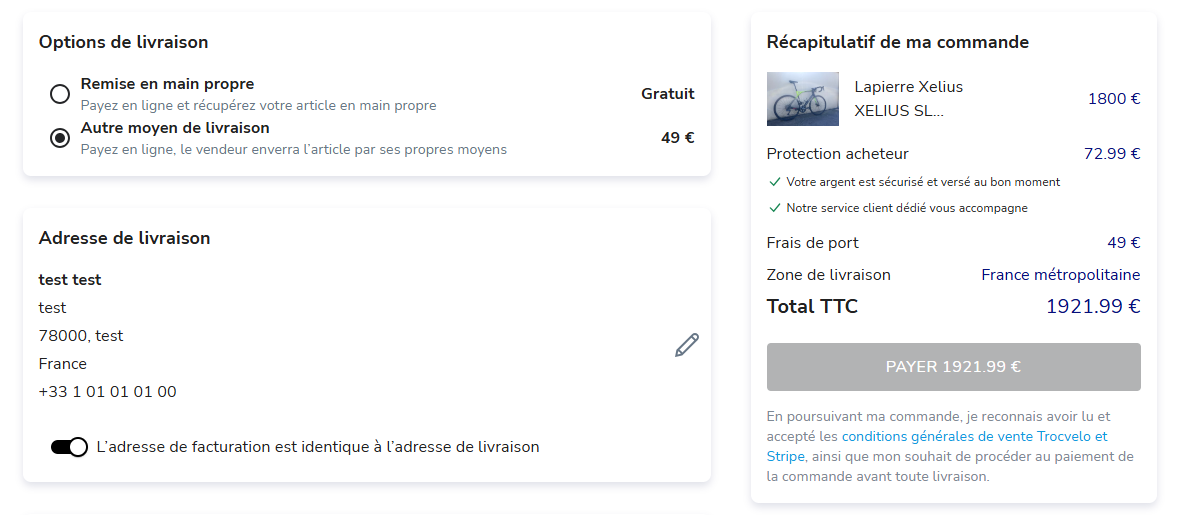
Enter your card details to reserve the item. A card pre-authorisation is placed on your account — your card is not yet charged.
Step 2 — The seller accepts your offer
The seller has 72 hours to accept or decline your offer.
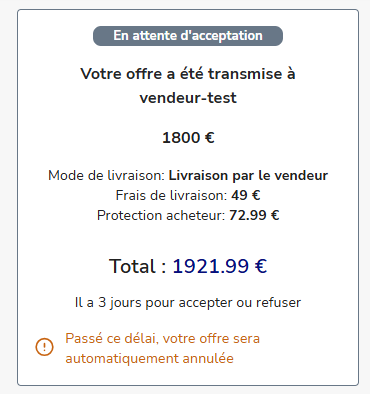
- ✅ If the seller accepts: the total amount (product + delivery costs + protection fees) is debited from your bank account and held securely by Stripe.
- ❌ If the seller declines or does not reply within 72 hours: the pre-authorisation is automatically released and no payment is taken.
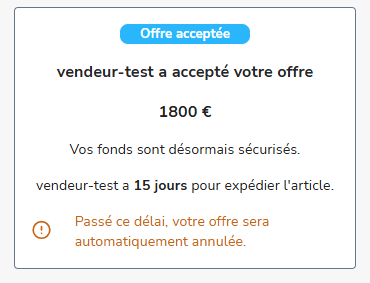
Step 3 — The seller prepares and ships the parcel
Once your offer is accepted, the seller has 14 calendar days to pack the parcel, upload the packing proof in messaging and ship it with a tracking number.
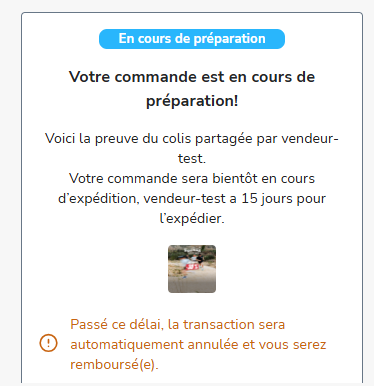
⚠️ If the seller does not ship within 14 days: the transaction is automatically cancelled and you are refunded within 5 to 10 working days.
Step 4 — Track your parcel
Once the parcel has been collected by the carrier, you receive a notification via Troc Vélo messaging and by email. Use the tracking number provided by the seller to track your parcel directly on the carrier's website.
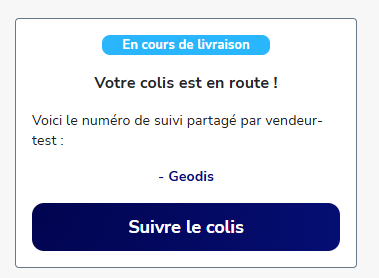
Step 5 — Receive and check the parcel
When your parcel arrives, check carefully that the product matches the listing before doing anything else:
- Compare the product with the listing's photos and description
- Check the overall condition and any defects not mentioned
- Test the product if possible
Step 6 — Confirm receipt (or open a dispute)
You have 72 hours after the item changes to “Delivered” status to act.
If the product matches the listing:
Confirm receipt from your Troc Vélo messaging. The funds are then sent to the seller's wallet.
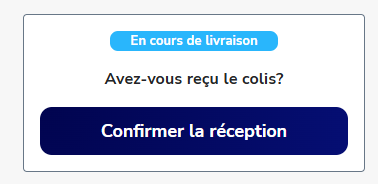
⚠️ There is no going back once confirmation has been given. Only confirm after you have carefully inspected the product.
If the product does not match the listing:
Open a dispute from your conversation with the seller within 72 hours. Our team will take over.
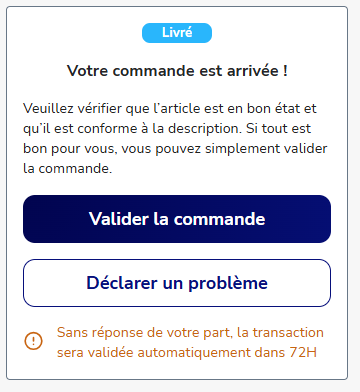
💡 If you take no action within 72 hours, conformity is automatically confirmed and the funds are sent to the seller.
Find us on the Google Play Store and the App Store

|

|